
Selectors
Introduction
Selectors depend on Atoms, and can be thought of as pieces of derived, or computed state. Whenever an Atom has updated, it will notify any Selectors that depend on it, and cause the Selectors get function to execute.
The selector function takes an object with 2 properties:
key: a unique key to identify the Selector, this key will also be made available as a property on your custom element to read the Selector value fromget: a function that executes any time a Selectors dependencies change to return the new value. This function can also be async.
import { atom, selector } from '@klaxon/atom';

const [count, setCount] = atom({
  key: 'count',
  default: 1
});

const doubleCount = selector({
  key: 'doubleCount', // assign a *unique key*
  get: ({getAtom}) => {
    const originalCount = getAtom(count);
    return originalCount * 2;
  }
});

setCount(3);
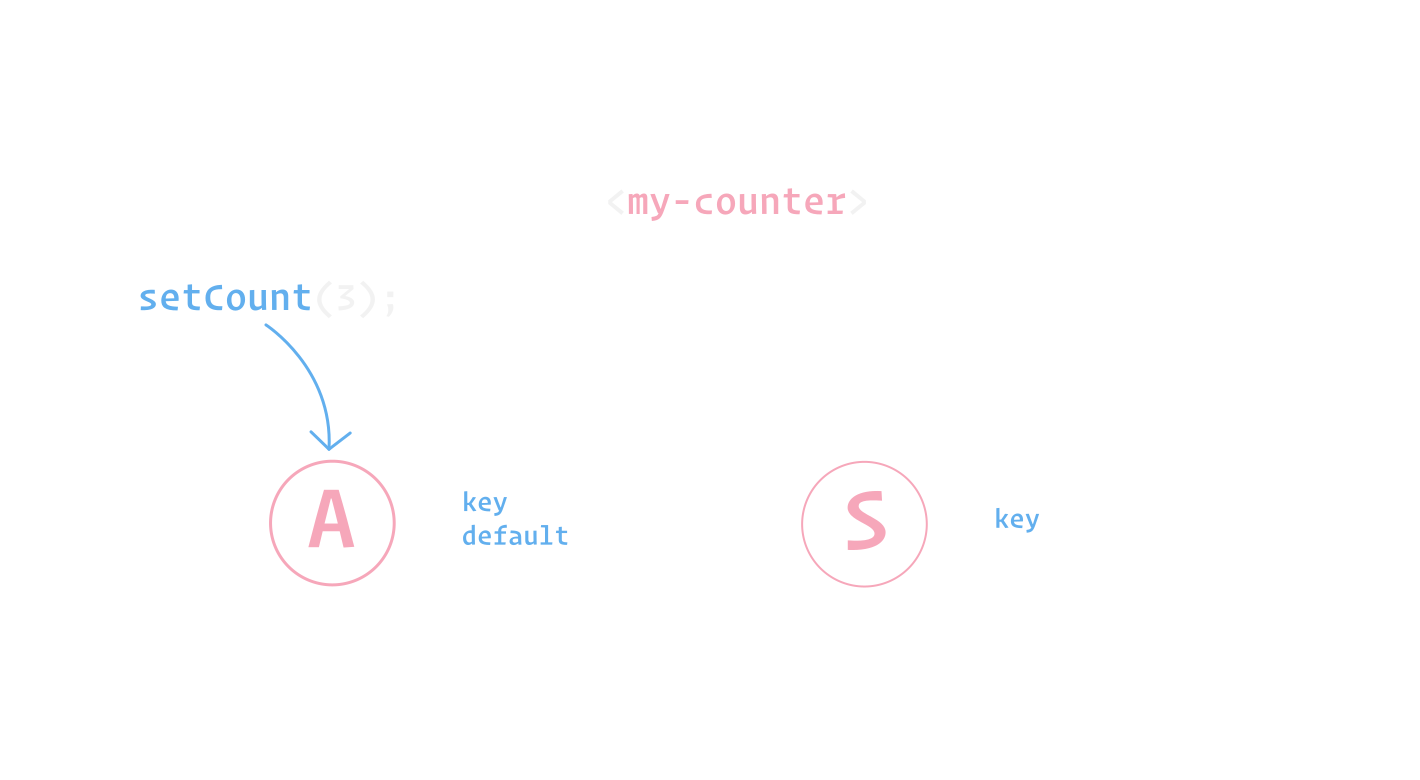
Note that Selectors update when its corresponding Atom has changed, even if no components are currently subscribed to that Selector.
Subscribing to Selectors
You can subscribe your component to a Selector by adding it to the static selectors getter, and using the LitAtom Mixin:
class MyElement extends LitAtom(LitElement) {
  static selectors = [doubleCount];

  render() {
    return html`<p>doublecount: ${this.doubleCount}</p>`;
  }
}
Note that it's not required to add
doubleCountto LitElements staticpropertiesgetter. It's still fine to do however if, for example, you want to access the value during LitElements lifecycle callbacks, likeupdated.
The LitAtom mixin will subscribe to any changes for the doubleCount Selector, and rerender your component. You can access the value of the doubleCount Selector in your component like so: this.doubleCount (👈 the key value of the Selector).
Nested Selectors
Selectors can also depend on other Selectors:
import { LitElement, html } from 'lit-element';
import { LitAtom, atom, selector } from '@klaxon/atom';

const [count, setCount] = atom({
  key: 'count',
  default: 1
});

const doubleCount = selector({
  key: 'doubleCount',
  get: ({getAtom}) => {
    const originalCount = getAtom(count);
    return originalCount * 2;
  }
});

const doubleCountPlusTen = selector({
  key: 'doubleCountPlusTen',
  get: async ({getSelector}) => {
    const double = await getSelector(doubleCount);
    return double + 10;
  }
});

setCount(3);

class MyElement extends LitAtom(LitElement) {
  static selectors = [doubleCountPlusTen];

  render() {
    return html`<p>doublecountPlusTen: ${this.doubleCountPlusTen}</p>`;
  }
}
Note that
getSelectoris async.
The order of execution here is:
- The Atoms store is updated to
3 doubleCountexecutes itsgetfunction and returns6doubleCountPlusTenexecutes itsgetfunction and returns16
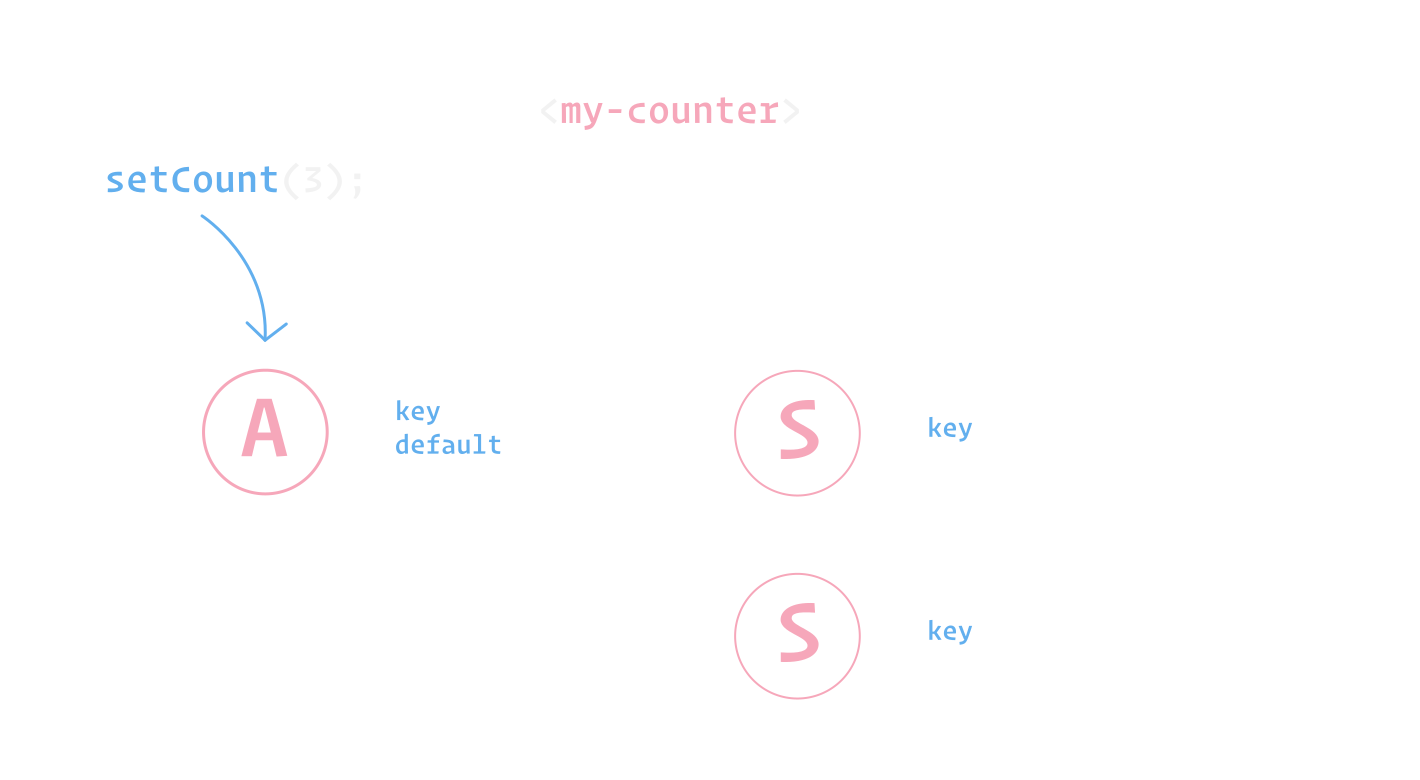
You can read more about Atom's update scheduling here.